

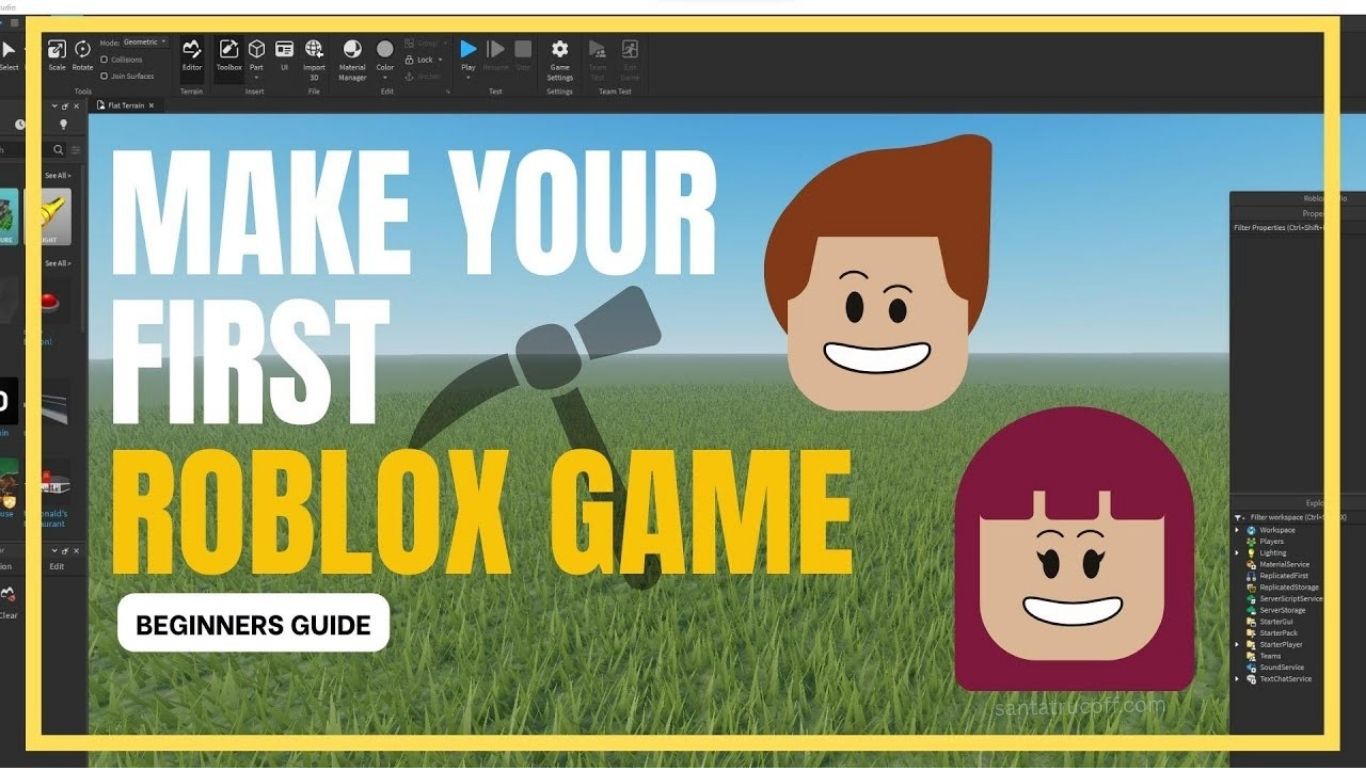
Are you ready to bring your gaming ideas to life? Roblox has revolutionized the way gamers and creators interact, providing an accessible platform for aspiring game developers to design, build, and share their own games. Whether you’re a beginner or have some coding experience, creating your own Roblox game can be a fun and rewarding experience. In this guide, we’ll walk you through everything you need to know to turn your concept into a playable adventure.
Understanding Roblox and Its Potential
Before diving into development, it’s essential to understand what Roblox is. Roblox is a massively popular online platform that allows users to create and play games made by other users. Unlike traditional games, Roblox games—also called “experiences”—are built using Roblox Studio, a powerful and free game development tool.
The beauty of Roblox lies in its community-driven ecosystem. Games can range from simple obstacle courses to complex RPG adventures. With millions of active users, a well-designed Roblox game can reach a global audience.
Step 1: Get Started with Roblox Studio
Creating a Roblox game begins with Roblox Studio, the platform’s game development software. Here’s how to get started:
- Download Roblox Studio: Go to the Roblox website, create an account, and download Roblox Studio for your PC or Mac.
- Familiarize Yourself with the Interface: Roblox Studio offers tools for terrain creation, scripting, UI design, and more. Spend some time exploring the interface.
- Learn the Basics: Roblox Studio uses Lua, a beginner-friendly scripting language. Start with simple tutorials to understand movement, camera control, and object placement.
Step 2: Plan Your Game Concept
Before building, planning is crucial. Ask yourself the following questions:
- What type of game do I want to create? (e.g., adventure, racing, simulation)
- Who is my target audience? (kids, teens, or general Roblox players)
- What is the core mechanic or objective of my game? (e.g., reaching the finish line, defeating enemies, collecting items)
Creating a game design document can help outline your vision, including the storyline, level design, characters, and rewards system. Even a rough plan will guide your development and make the process smoother.
Step 3: Build the Game Environment
The environment is the heart of any Roblox game. Roblox Studio allows you to:
- Create Terrain: Use the terrain editor to sculpt mountains, rivers, and forests.
- Add Objects and Models: Insert pre-made models or build your own using parts. Consider creating interactive objects like doors, buttons, or collectibles.
- Customize Lighting and Atmosphere: Lighting sets the mood. Experiment with colors, shadows, and skyboxes to make your game visually appealing.
Remember, a polished environment increases player engagement. Players are more likely to explore and return to games that look and feel immersive.
Step 4: Add Gameplay Mechanics with Scripting
Scripting brings your game to life. Roblox uses Lua, which is beginner-friendly yet powerful. Key gameplay elements to consider:
- Player Movement: Customize walking, running, jumping, or swimming mechanics.
- Game Rules: Define objectives, scoring systems, and win/lose conditions.
- NPCs and AI: Create non-player characters to interact with players. They can provide quests, obstacles, or enemies.
- Rewards and Economy: Many Roblox games include in-game currency, collectibles, or unlockable content to keep players engaged.
You don’t need to be a coding expert to start. Roblox Studio provides templates and free scripts you can modify for your game.
Step 5: Test Your Game Thoroughly
Testing is crucial to ensure your game is enjoyable and bug-free. Roblox Studio offers Play Test Mode, which lets you:
- Simulate gameplay from the player’s perspective
- Check for glitches, broken mechanics, or navigation issues
- Test multiplayer functionality if your game supports multiple players
Ask friends or community members to test your game. Feedback can reveal issues you might have missed and help refine the overall experience.
Step 6: Publish and Promote Your Game
Once your game is ready, it’s time to share it with the world.
- Publish to Roblox: Click “File > Publish to Roblox” and add a descriptive title, engaging description, and relevant tags. SEO-friendly titles help players discover your game.
- Set Game Settings: Decide on privacy (public or private), monetize options, and player limits.
- Promote Your Game: Share on social media, Roblox groups, and forums. Creating a trailer or teaser can attract attention.
Remember, Roblox is a community-driven platform. Engaging with players through updates, events, or challenges can help build a loyal audience.
Step 7: Optimize for Player Engagement
To make your game a long-term success:
- Regular Updates: Introduce new levels, items, or events to keep players coming back.
- Rewards and Achievements: Gamification encourages repeated play. Consider badges, collectibles, or leaderboards.
- Responsive Design: Ensure your game works well on mobile, tablet, and PC, as Roblox is a multi-platform experience.
Pay attention to player feedback. The most successful Roblox developers continuously tweak their games based on user experience.
Step 8: Monetize Your Roblox Game
Many Roblox creators earn revenue through Robux, the platform’s virtual currency. Methods include:
- Game Passes: Offer premium abilities or access to exclusive areas.
- Developer Products: Sell in-game items or boosts.
- Advertisements: Collaborate with brands or use Roblox ad tools.
Focus on balancing monetization with user enjoyment. Games that feel fair and fun retain players longer, increasing long-term revenue potential.
Step 9: Learn from Successful Roblox Games
Studying popular Roblox games can inspire and inform your design choices. Consider:
- Adopt Best Practices: Observe game mechanics, level progression, and reward systems.
- Innovate: Add unique twists or features to stand out.
- Community Engagement: Top developers actively communicate with players, fostering loyalty and retention.
Remember, creativity and originality are key. While inspiration is helpful, your unique vision is what will make your game memorable.
Step 10: Keep Improving Your Skills
Game development is a learning process. Roblox offers abundant resources:
- Roblox Education: Official tutorials and courses for beginners to advanced developers.
- Community Forums: Connect with other developers for advice and collaboration.
- YouTube and Blogs: Many creators share tips, Lua scripting tutorials, and design strategies.
Frequently Asked Questions
What is Roblox Studio
Roblox Studio is the free game development platform used to create, design, and publish Roblox games
Do I need coding skills to make a Roblox game
Basic coding skills help, but Roblox Studio provides templates and beginner-friendly Lua scripting to start creating games easily
Can I make money from my Roblox game
Yes, you can earn Robux through game passes, developer products, and in-game monetization strategies
How long does it take to create a Roblox gam
The time varies depending on complexity; simple games may take a few hours while more advanced games can take weeks or months
Is Roblox Studio free to use
Yes, Roblox Studio is completely free for anyone with a Roblox account
Conclusion
Creating your own Roblox game is an exciting way to bring your ideas to life and share them with a global community. By learning Roblox Studio, planning your game concept, building immersive environments, and adding engaging gameplay mechanics, you can turn a simple idea into a playable adventure. Testing, publishing, and promoting your game ensures it reaches players and keeps them coming back for more. With creativity, persistence, and continuous learning, anyone can become a successful Roblox game developer and even earn Robux from their creations. Start building today and transform your imagination into a fun and interactive experience for players everywhere
