

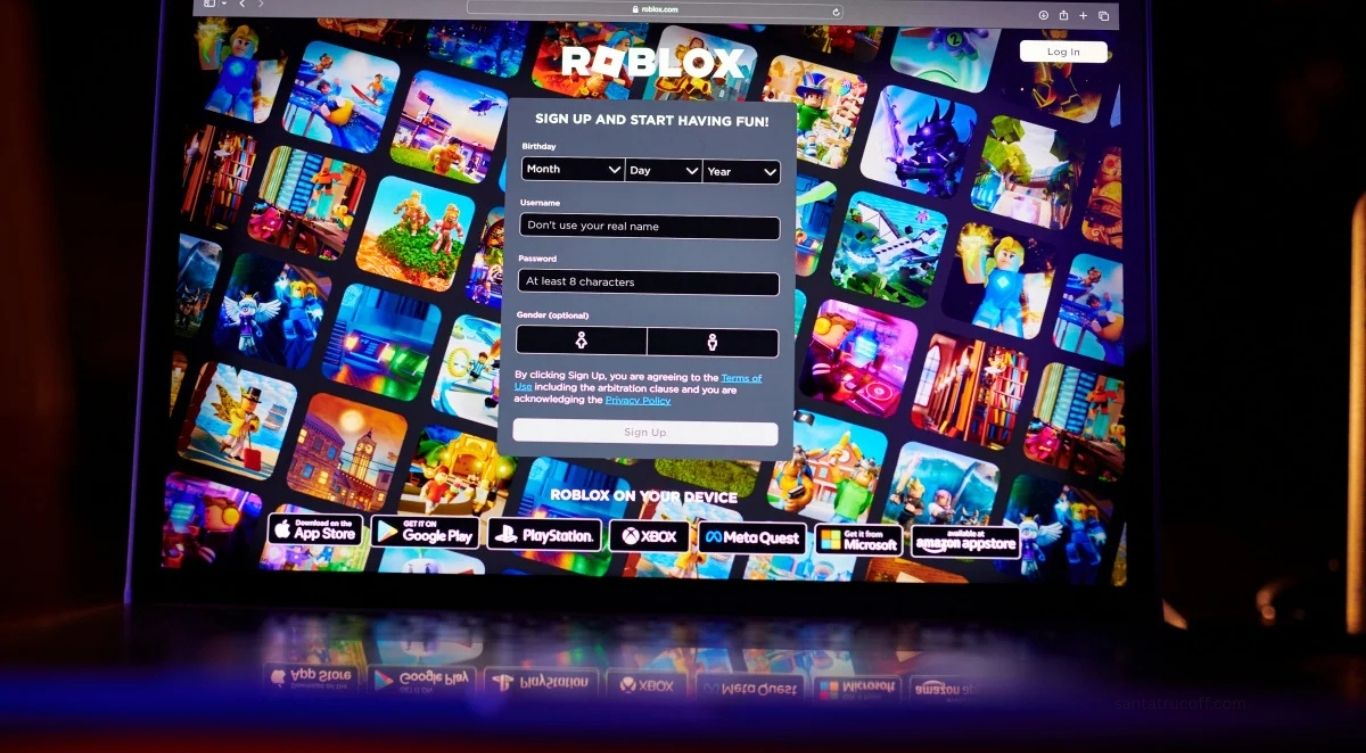
Roblox enthusiast and a fan of Steal a Brainrot, you’ve probably wondered how to enjoy the game in a more private setting. Private servers provide an exclusive environment where you can play with friends, test strategies, or just enjoy uninterrupted gameplay. This guide will walk you through everything you need to know about accessing private servers in Steal a Brainrot Roblox, including step-by-step instructions, tips, and tricks to enhance your gaming experience.
What Are Private Servers in Roblox?
Private servers in Roblox are dedicated game instances that players can rent or create, giving them control over who joins. Unlike public servers, where anyone can enter, private servers offer a personalized gaming environment. The benefits of private servers are numerous. You can play exclusively with friends, which ensures a smoother and more enjoyable gaming session without random players interfering. Private servers also allow you to practice or experiment with strategies, explore maps without distractions, and enjoy enhanced security by limiting access. In the context of Steal a Brainrot, private servers let you enjoy exclusive heists, challenges, and roleplay scenarios with friends, offering a more controlled and enjoyable experience.
Do You Need Robux to Access Private Servers?
Yes, most private servers in Roblox require Robux, the platform’s in-game currency. The cost varies depending on the developer’s settings. For Steal a Brainrot, the private server fee is usually displayed on the game’s main page under the “Create Private Server” button. Occasionally, friends may already have a server, or developers may offer free trials or limited-time promotions that allow free access to private servers. Always check before spending your Robux to make sure you’re getting the best value.
Step-by-Step Guide to Access Private Servers in Steal a Brainrot Roblox
To access private servers, start by logging into the Roblox account you want to use, ensuring you have enough Robux balance since private servers are linked to individual accounts. Next, open the Steal a Brainrot game page by searching for it in Roblox or using a direct link if you have one. On the game’s main page, locate the “Create Private Server” option under the servers tab or three-dot menu. Click this option and enter a unique name for your server to identify it easily, then confirm the cost in Robux and proceed with payment. Once the server is active, you can invite friends by sharing the server link or sending invites directly through Roblox. Only invited players can join, ensuring an exclusive gaming environment. After your friends accept the invites, click “Join Server” to start playing in your private session. You can now explore, strategize, and enjoy uninterrupted gameplay with your friends.
Tips for Optimizing Your Private Server Experience
Creating a private server is just the beginning. To maximize your gaming experience, consider adjusting server settings if the game allows it, such as controlling spawn rates, map rotations, or other gameplay elements. Scheduling game sessions with friends ensures maximum participation and keeps the server active when you want to play. Monitoring server activity can help you track who joins and maintain a safe environment. Explore exclusive features in private servers, as they sometimes offer special missions, rare items, or challenges that are unavailable in public servers. Finally, optimize performance by limiting the number of players, ensuring a stable internet connection, and closing unnecessary applications while playing. Following these tips will help you enjoy a smoother and more enjoyable private server experience.
Common Issues and How to Fix Them
Even with private servers, players sometimes encounter problems. If you cannot create a server, check your Robux balance and try again. If friends cannot join, verify your server’s privacy settings and resend the invites. Lag or glitches can often be fixed by restarting the server and closing unnecessary applications. If your server is not visible, refreshing the game page or logging out and back into Roblox usually resolves the issue. Regularly updating both Roblox and Steal a Brainrot can also prevent compatibility issues and ensure smooth gameplay.
Why Private Servers Are Worth It
Private servers in Steal a Brainrot provide enhanced gameplay, privacy, and customization. They are ideal for hardcore gamers seeking strategic advantages, friends wanting a fun and uninterrupted session, or players exploring game mechanics without interference. Although creating a private server requires a small Robux investment, it is often worthwhile due to better performance, exclusive experiences, and the social satisfaction of playing in a controlled environment with your friends.
Frequently Asked Questions
Can I create multiple private servers for Steal a Brainrot
Yes, you can create multiple servers, but each one requires a separate Robux payment, and you can manage them through the game’s private server settings
How long do private servers last
Private servers remain active as long as you maintain payment, which is usually recurring monthly, or until you delete the server
Can I make my private server free
Only if the game developer allows it, otherwise Robux is required to create a private server
Can strangers join my private server
No, only players you invite or approve can join, ensuring a secure and controlled gaming environment
What should I do if friends cannot join my server
Check the server’s privacy settings, resend invites, and make sure both you and your friends are using the latest version of Roblox
Conclusion
Accessing private servers in Steal a Brainrot Roblox opens a new dimension of gaming, offering privacy, control, and a richer experience. By following this guide, you can easily create, manage, and optimize your private server. Remember to invite friends, explore exclusive features, and maintain server security to ensure the best experience. Private servers transform the way you play Steal a Brainrot, letting you enjoy the game on your terms. Grab your Robux, set up your server, and dive into a world of exclusive heists and challenges with your friends today.
